Table of Contents
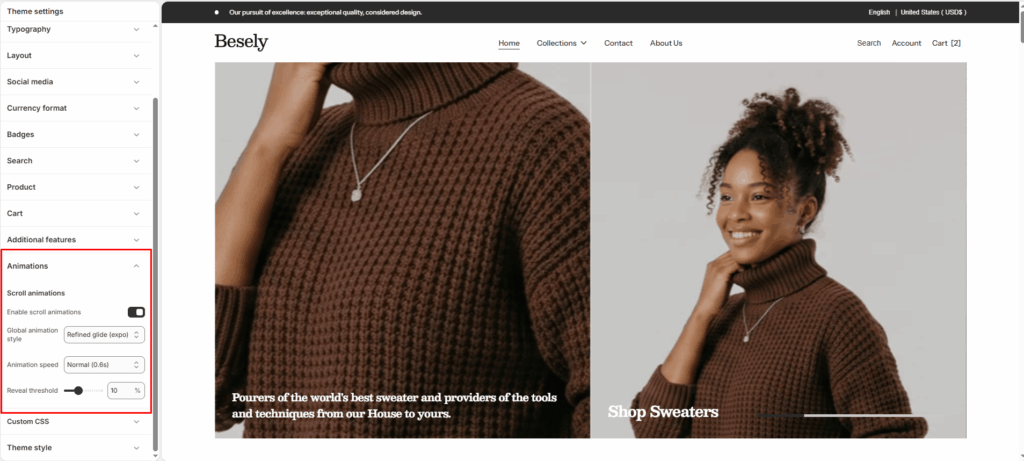
Controls whether and how content animates into view as customers scroll.
Scroll animations #
- Enable scroll animations: Switch this on to activate scroll animations.
- Global animation style: Choose from: “Refined glide (expo)”, “Glass blur sweep”, “Prismatic split”.
- Animation speed: Choose from: “Fast (0.4s)”, “Normal (0.6s)”, “Slow (0.85s)”.
- Reveal threshold: Fine-tune this value with the slider (from 0 to 30%).