

What Is Theme Kit?
Designed for Shopify themes, Theme Kit is a fabulous command-line tool, which plays a significant role in developing e-commerce stores. Believe it or not, but it simplifies the life of the developers to a great extent. It allows you to download the entire theme on your local system, and you can use it on your editor. When you save the file, it automatically gets uploaded to your desired theme. You can then check how effectively it is working with the command line. So, as a Shopify expert, if you haven’t tried this method so far, and you want to know how it works, then the following steps can prove to be super helpful for you. Shopify themes can also be developed locally. Follow the steps below to setup local development environment:- Install Shopify Theme Kit
- Get API Access
- Use a new theme or Configure an existing theme with theme kit
 Step 4
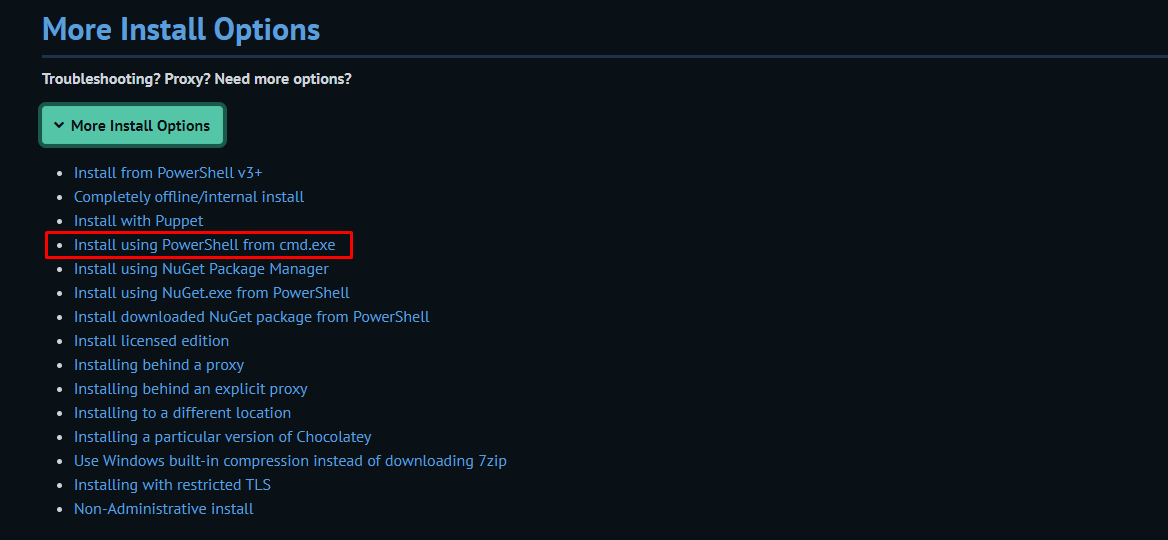
There is also more options for installs
Step 4
There is also more options for installs
 Step 5
Carefully follow below link steps
https://docs.chocolatey.org/en-us/choco/setup#install-using-powershell-from-cmd.exe
Step 6
After finish the steps run
Step 5
Carefully follow below link steps
https://docs.chocolatey.org/en-us/choco/setup#install-using-powershell-from-cmd.exe
Step 6
After finish the steps run choco command
Step 7
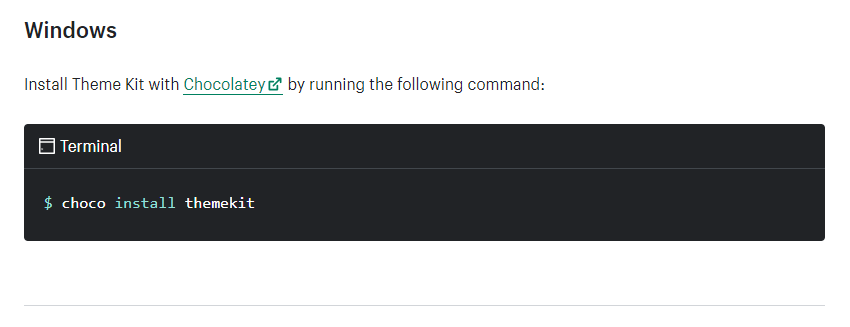
Then again follow below link steps for install theme kit
https://shopify.dev/tools/theme-kit/getting-started#windows
Step 8
Run this command
choco install themekit
Step 9
Then connect with your store using password
theme get --password=[your-password]
--store="[your-store.myshopify.com]" --themeid=[your-theme-id]
Step 10
How to create config yml, Please follow below link steps
https://shopify.dev/themes/tools/theme-kit/configuration-reference#config-file
After finish steps Then go to your folder location and create file config.yml
Step 11
Then Paste below code, You should to change details as per your shopify store
development:
password: 16ef663594568325d64408ebcdeef528
theme_id: "123"
store: can-i-buy-a-feeling.myshopify.com
Step 12
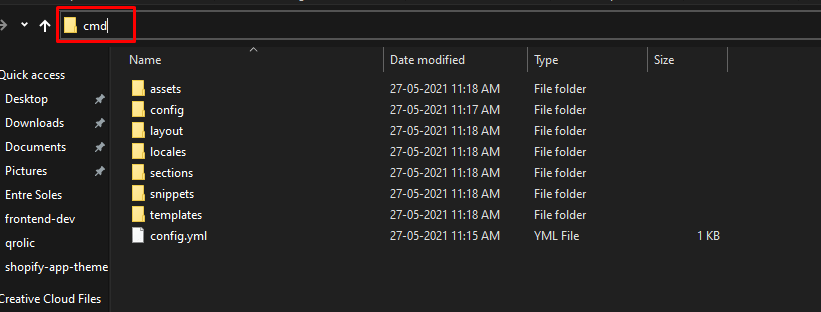
Then write cmd in path bar
 Step 13
Run this command in cmd
Step 13
Run this command in cmd
theme download
Run for watch theme watch --allow-live
Try making a change to one of your files and check it out in your online store (if it is the live one) to see the change automatically uploaded to your theme 🎉🎉 !!
Shopify Experts · OneOnic
Ready to Grow Your Shopify Store?
Our Shopify experts at OneOnic have helped hundreds of brands launch, optimise, and scale. Let’s talk about your project.
