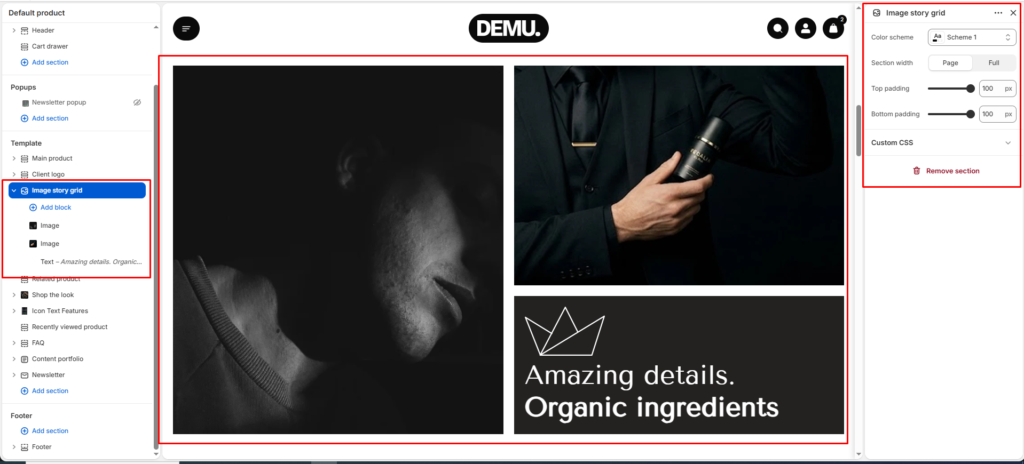
Image story grid #
The Image story grid section presents a visual storytelling layout using multiple image blocks and an optional text block. It is useful for highlighting brand mood, campaign photography, or product narratives in a clean grid composition.
Section settings #
Color scheme #
Select the color palette for this section from the available theme schemes.
Section width #
Choose how wide the section appears on the page.
Use Page to keep content within the theme container, or Full to display edge-to-edge.
Top padding #
Set vertical spacing above the section content in pixels.
Bottom padding #
Set vertical spacing below the section content in pixels.
Block settings #
Image block #
Use this block to add an image tile to the story grid.
You can add multiple image blocks to build the full visual arrangement.
Text block #
Use this block to display text content as part of the grid layout.
Text content #
Add the text shown inside the text block.