

Colors
Color
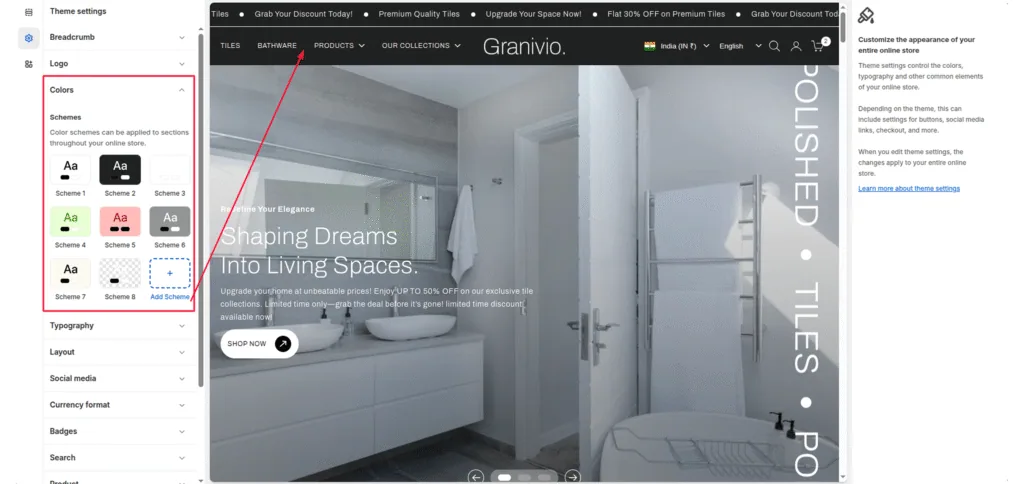
Open the theme editor and click on Theme settings > Color options.
The image shows part of the theme editor’s Theme settings > Color. The settings adjust the color that’s applied to the Scheme 1 color scheme’s text.
Color schemes
You can create different sets of colors called color schemes. Theme provides 6 default color schemes and supports up to 21 color schemes for your store. Refer to Shopify help: Color schemes.
Default color scheme
You can select default color scheme for full theme.
Was this article helpful?
Thanks for the feedback.
Still need help?
Can't find what you're looking for? Send us a message and we'll help you out.